PROBLEM
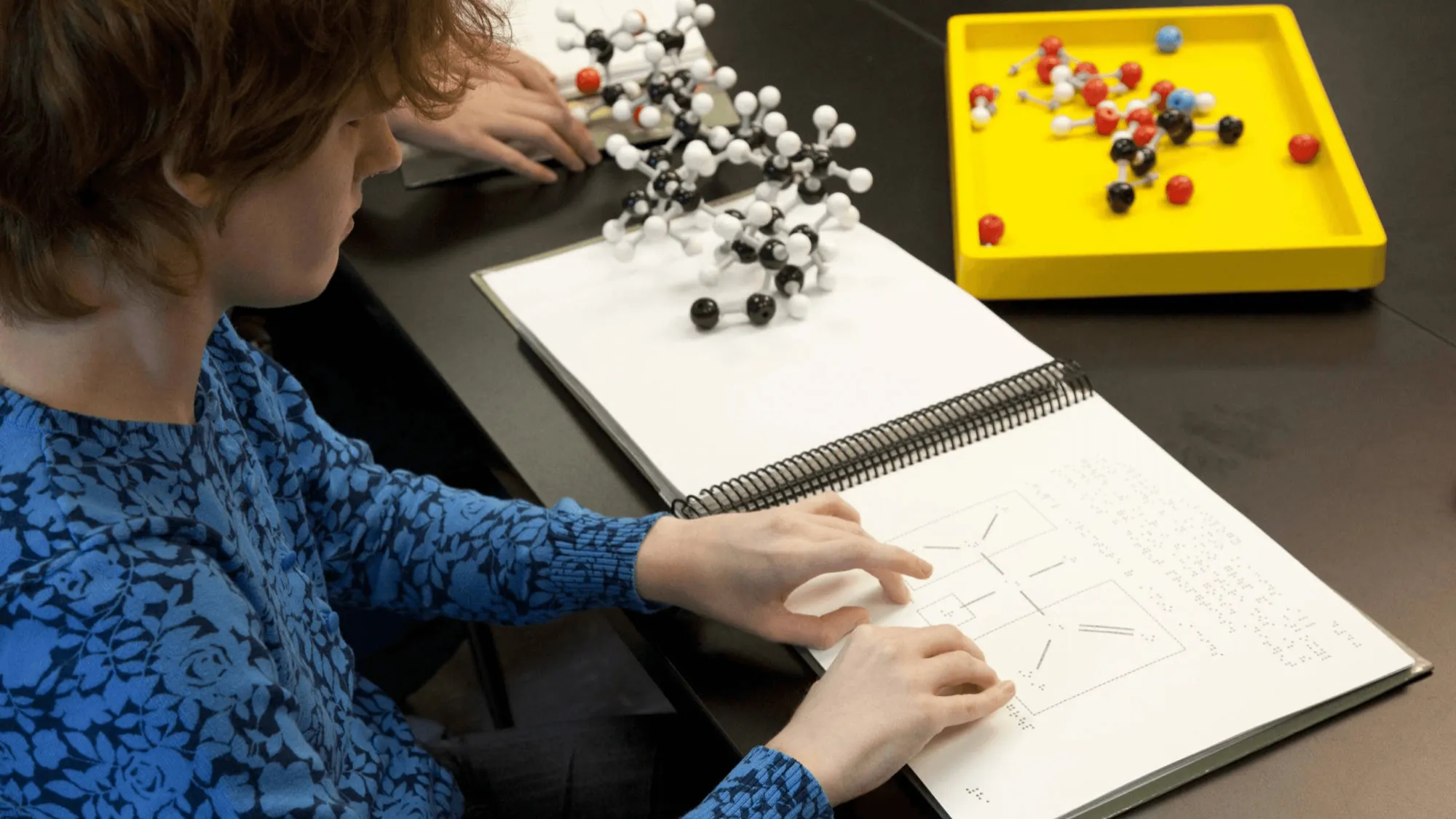
Visually impaired students cannot take in graphic information by sight, so they learn from the tactile graphics in braille textbooks or from separate tactile teaching aids. Those materials are always in short supply. Tactile graphics in braille textbooks are hard to produce and maintain, and they never cover every figure in the original, so only some make it in. Tactile aids are mostly made by teachers themselves. Sit in on a class at a school for the blind and you will find picture materials built from tape and stickers. They take time and money to make, and they do not last.
So students get less to learn from, and teachers spend their time making materials. Tactile materials needed another way to be made.
APPROACH
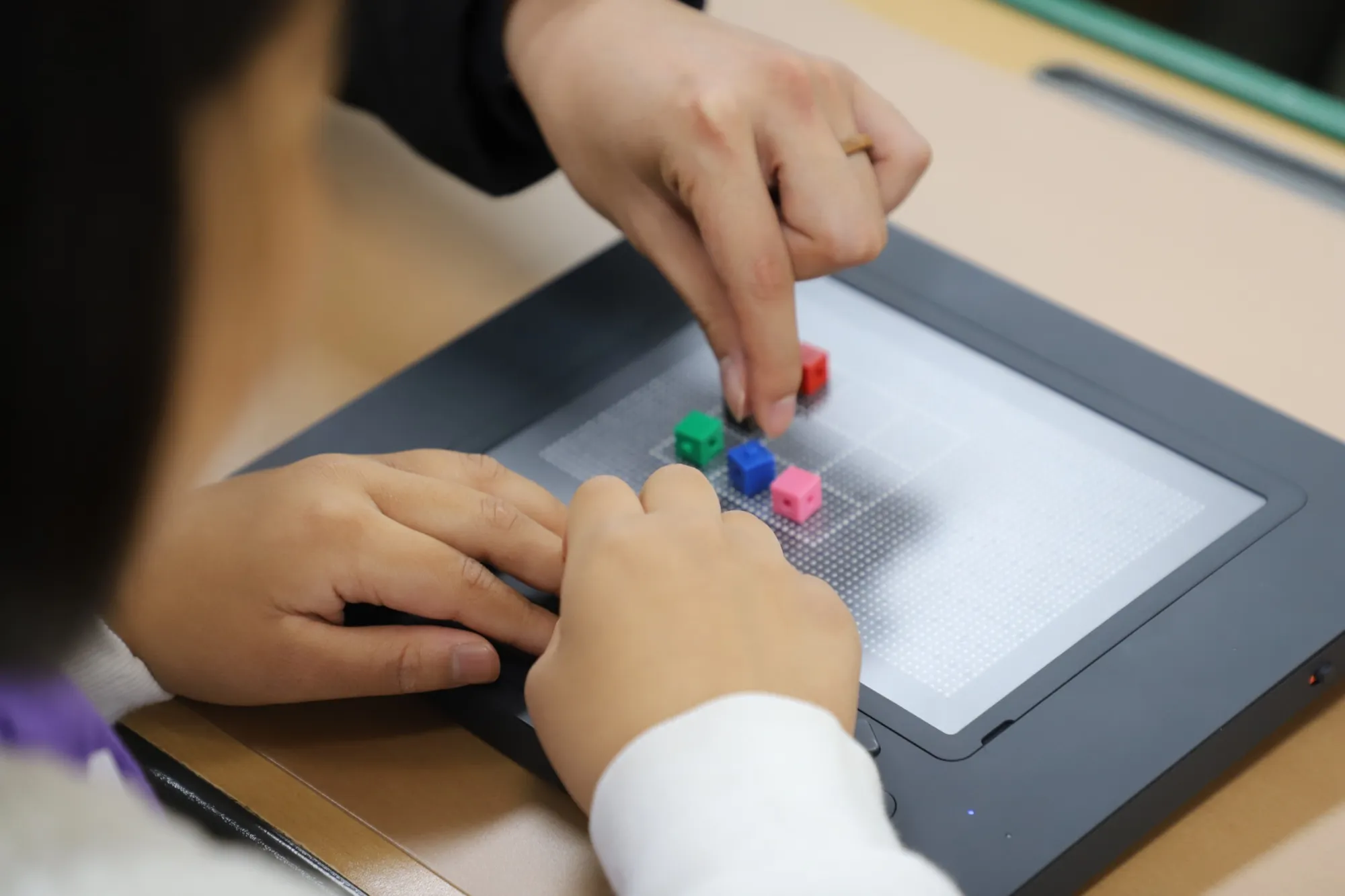
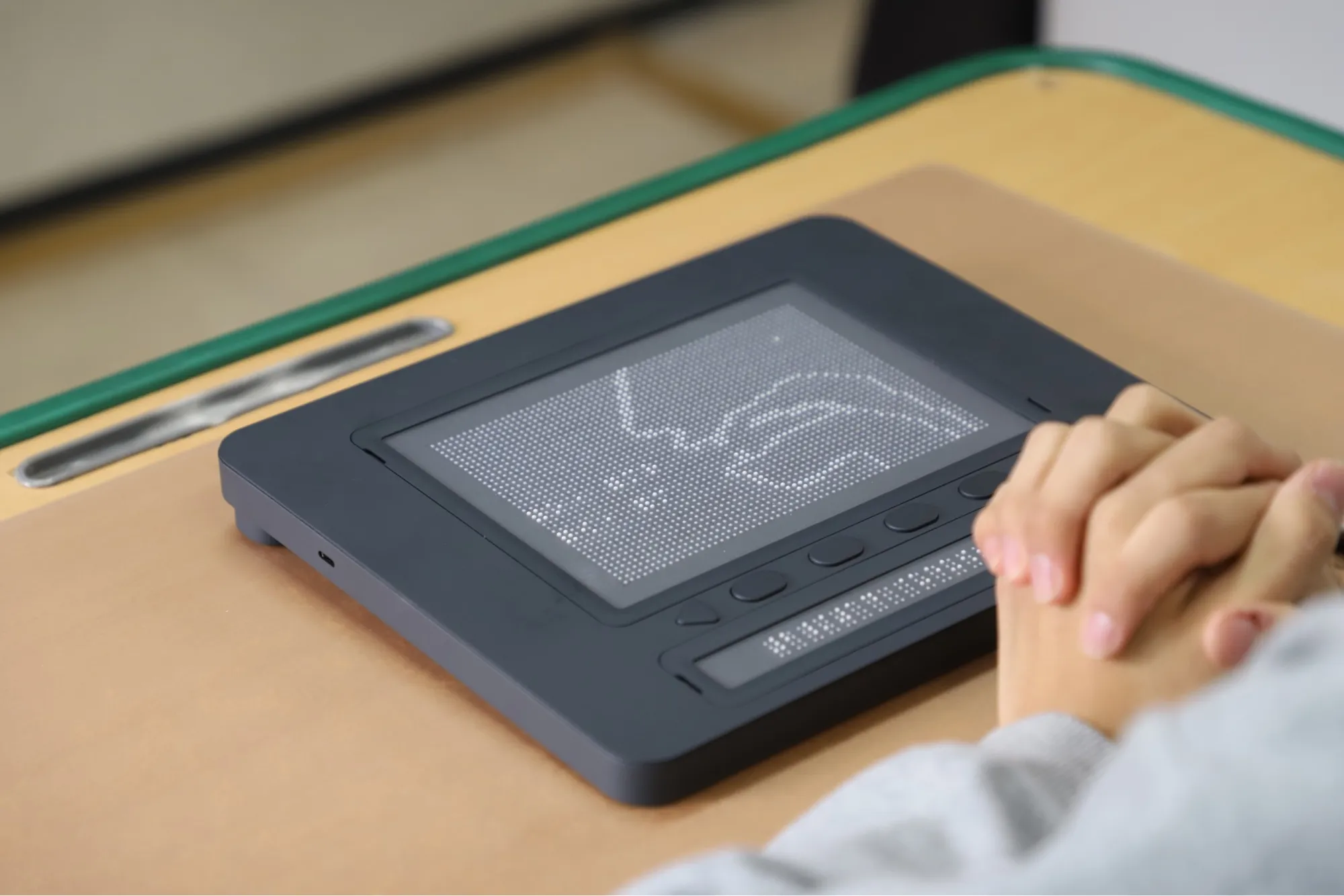
I joined Dot in July 2022 as a hardware UX designer, but the first job was not hardware. The Dot Pad tactile display is only useful with tactile graphics to show, and there was no tool for making them. Working as one team with a service planner and a GUI designer, the goal was to ship web and app demos of the authoring tool, Dot Canvas, within three months.
The person who makes a tactile graphic and the person who touches it are not the same. The web was aimed at teachers making and managing materials; the app at visually impaired users drawing and touching for themselves. In Korea we ran field studies with special-education teachers and visually impaired students; for users abroad, surveys and diary studies covered the usage environment and its pain points. The problems of the first Canvas version, and how to fix them, came out of that research.
Once Canvas had shipped, I moved to the Dot Pad hardware. I compared more than 20 braille devices to set its tactile notation and the specs and requirements for the next model. I also designed the main functions and the haptic and LED feedback, which went into the production model.
SOLUTION
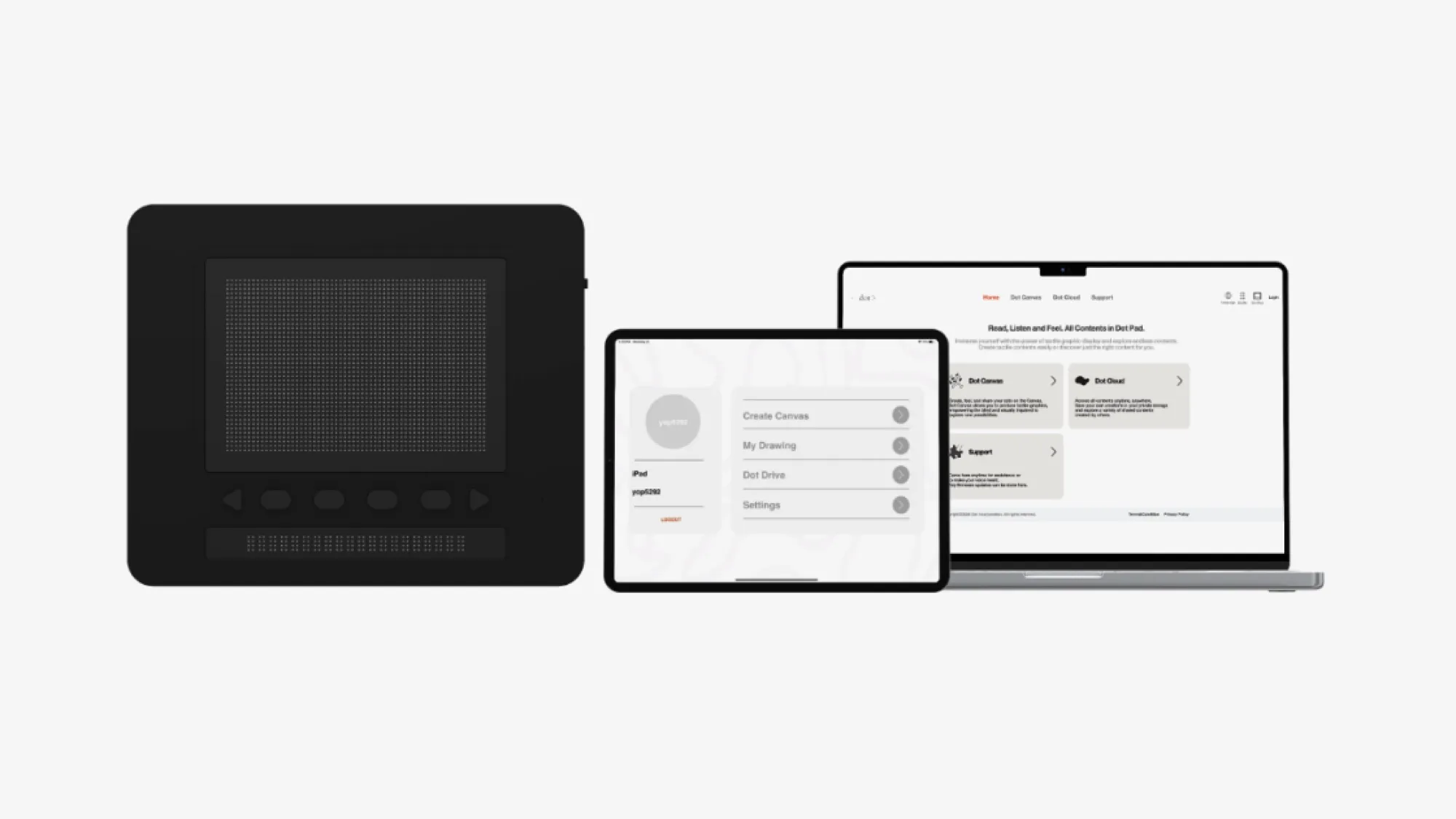
Dot Canvas Web
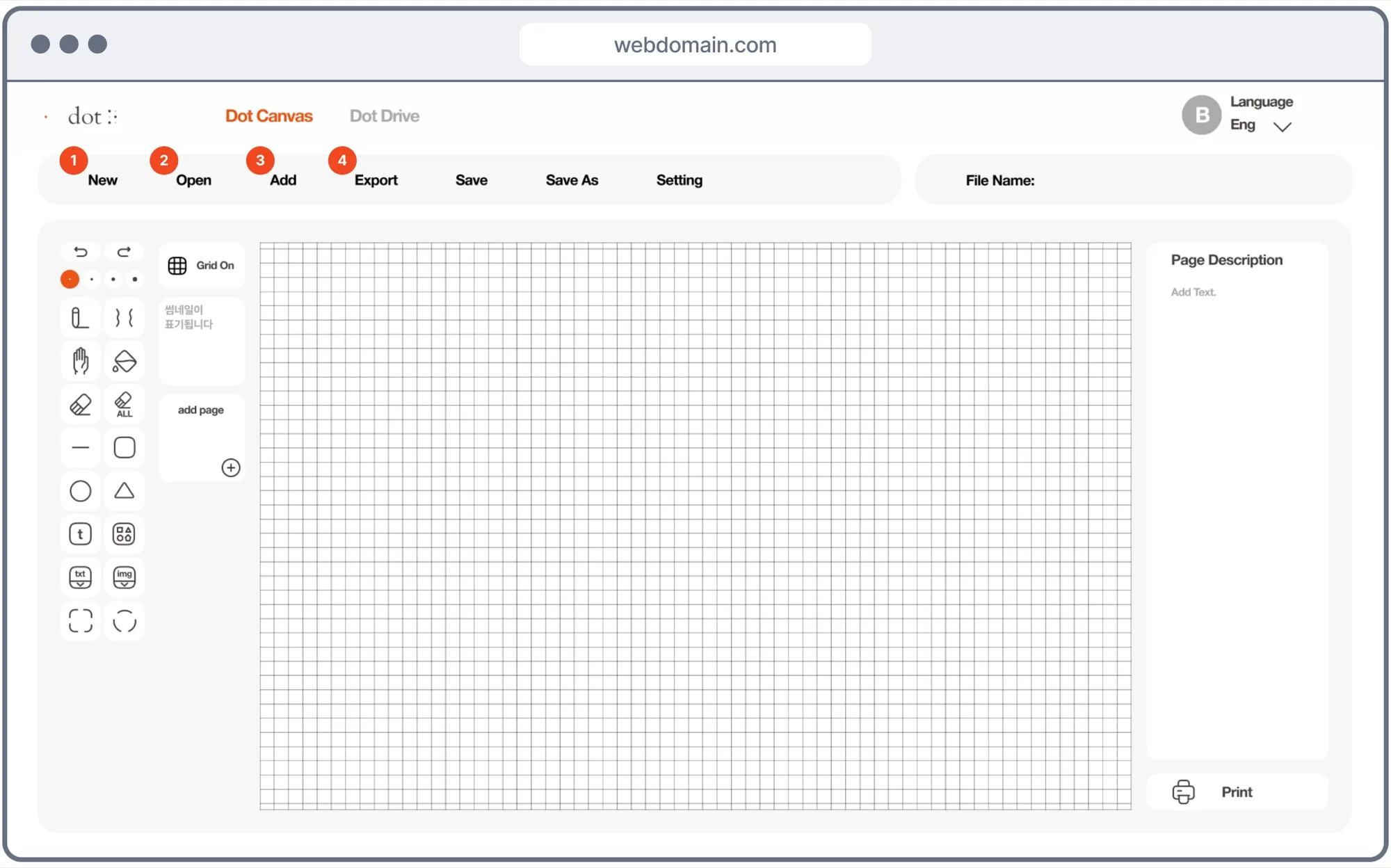
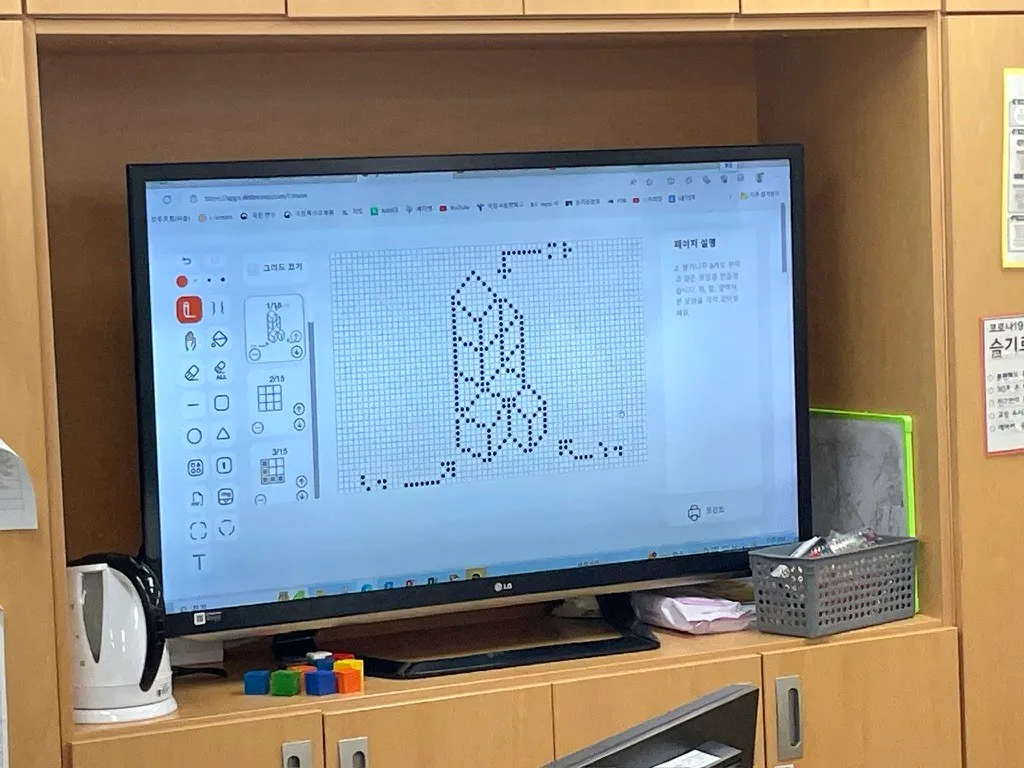
Teachers draw tactile graphics in the browser or import a PDF or image and convert it. The result is stored in Dot Cloud and shared with other teachers through a shared drive. In class, the same graphic can be sent to up to 10 Dot Pads at once, so students touch the same picture and talk about it.
Dot Canvas App
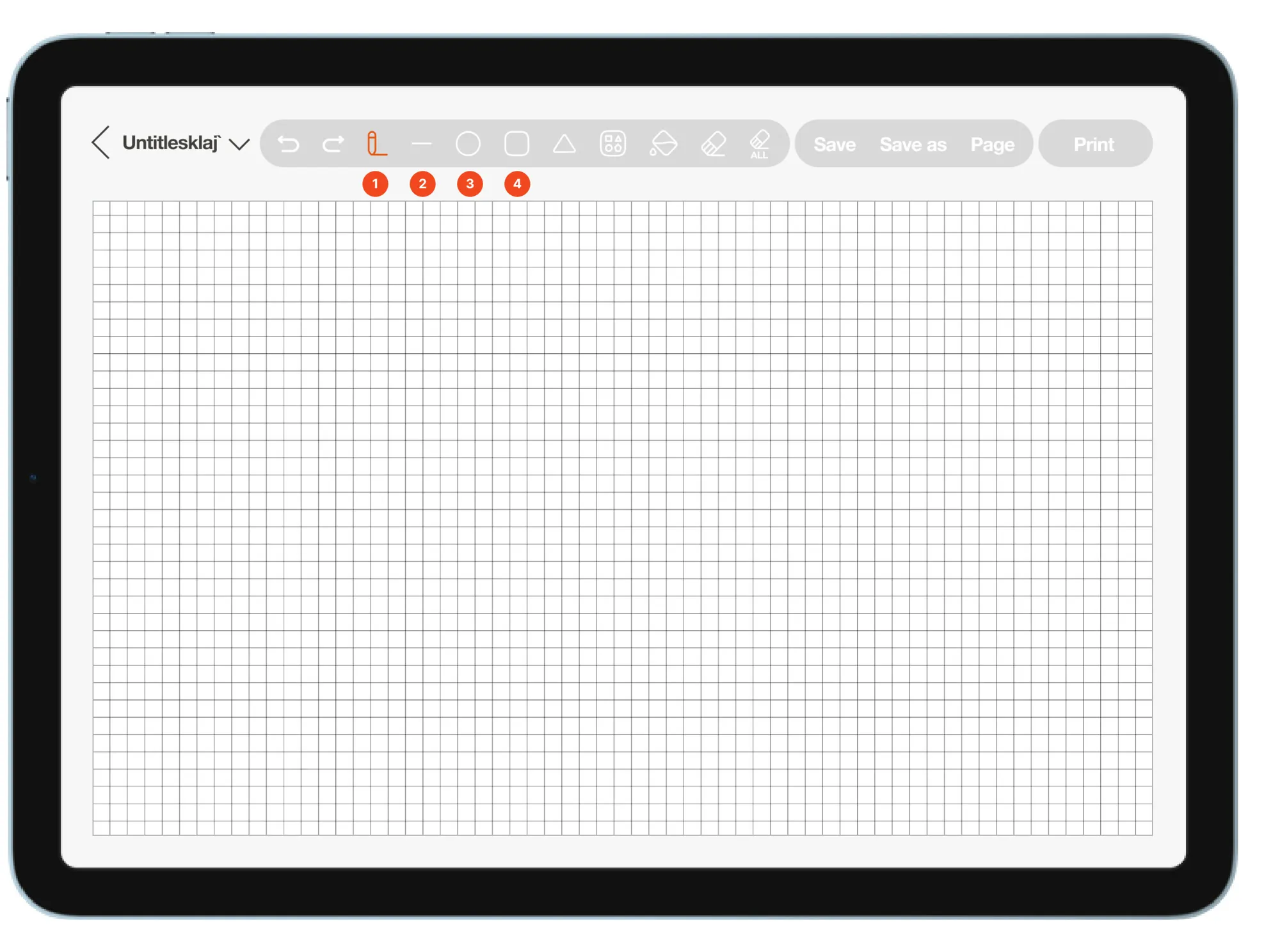
Drawing happens with iPad touch and the Apple Pencil. With VoiceOver and live drawing, visually impaired users draw for themselves and feel what they drew on Dot Pad right away. Files sync to the web through Dot Cloud.
Dot Pad
Dot Pad is a multi-line tactile area for graphics, a single line of braille beneath it, and physical keys. A visually impaired user cannot pick a key by looking at it. The same key has to do the same thing every time, and keys have to be told apart by touch. So each key got one fixed function and a marking you can feel. Haptics and LEDs tell you whether an input registered and what state the device is in. That feedback went into the production model. What came out of user evaluations went on to the next model.
IMPLEMENTATION
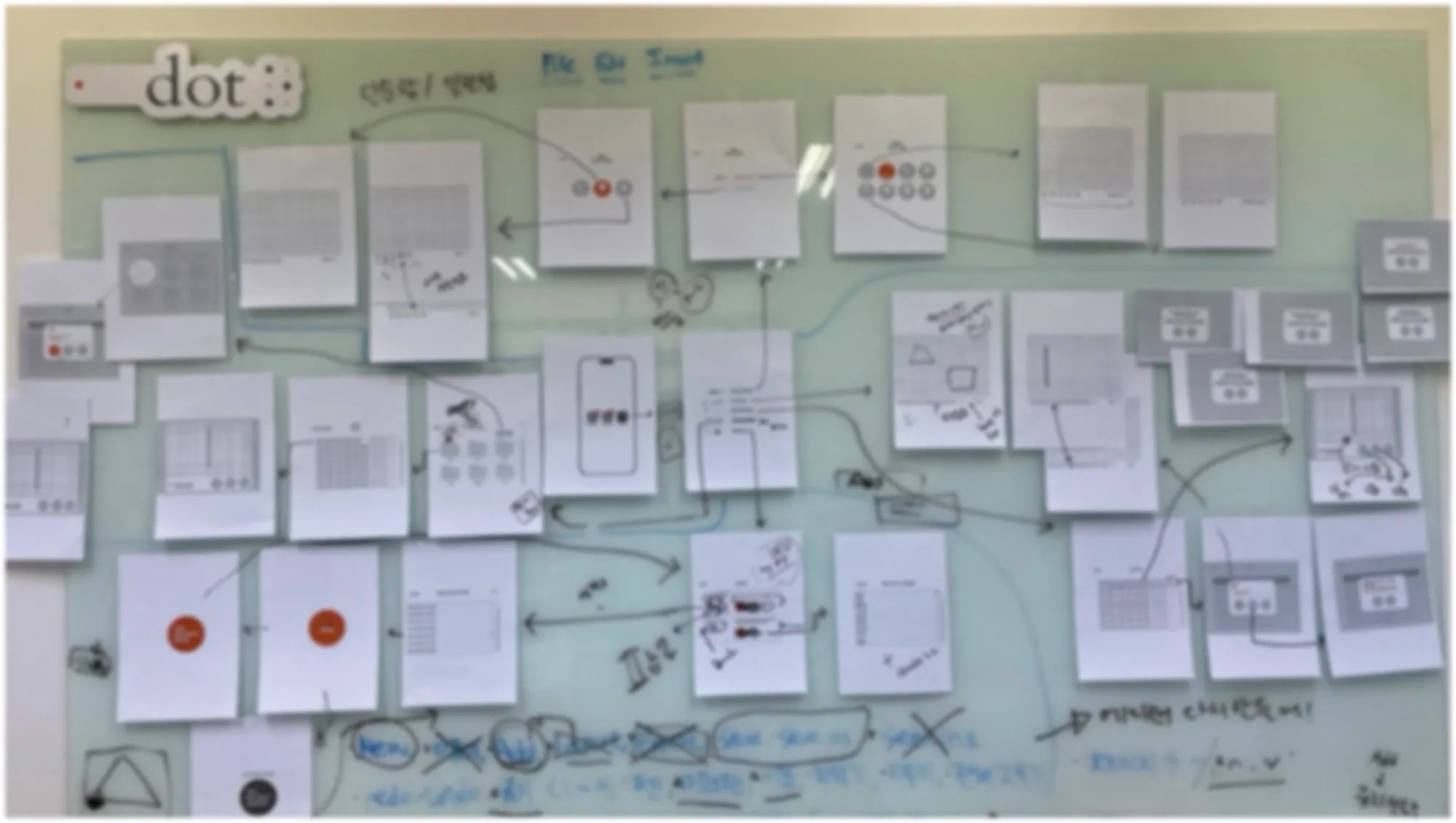
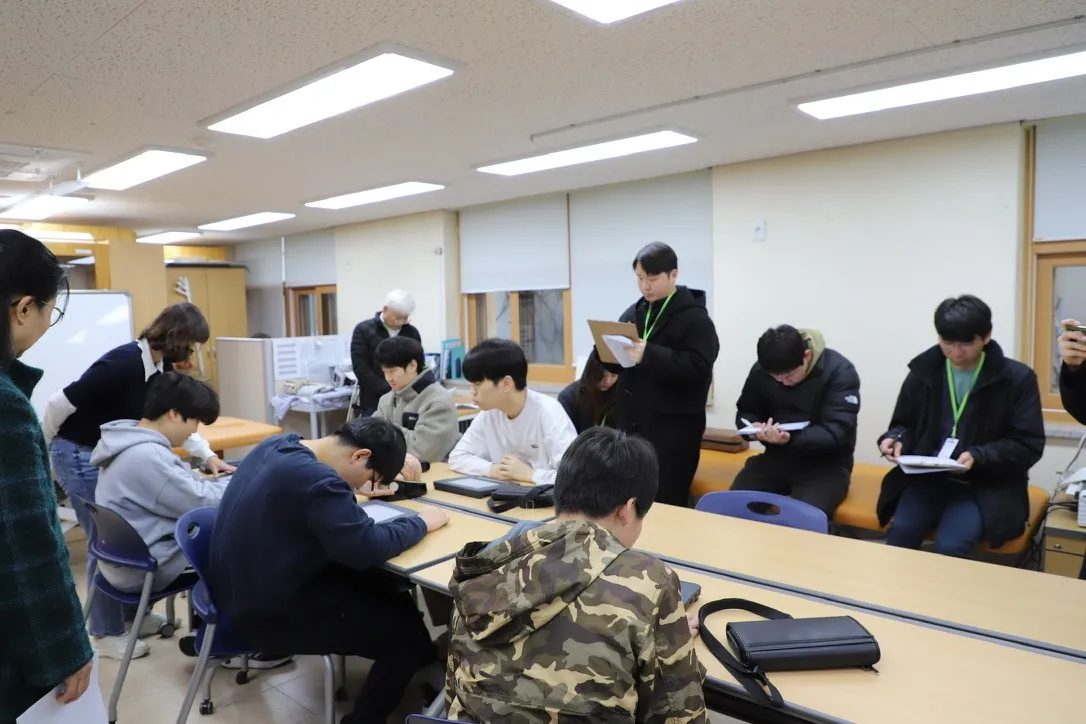
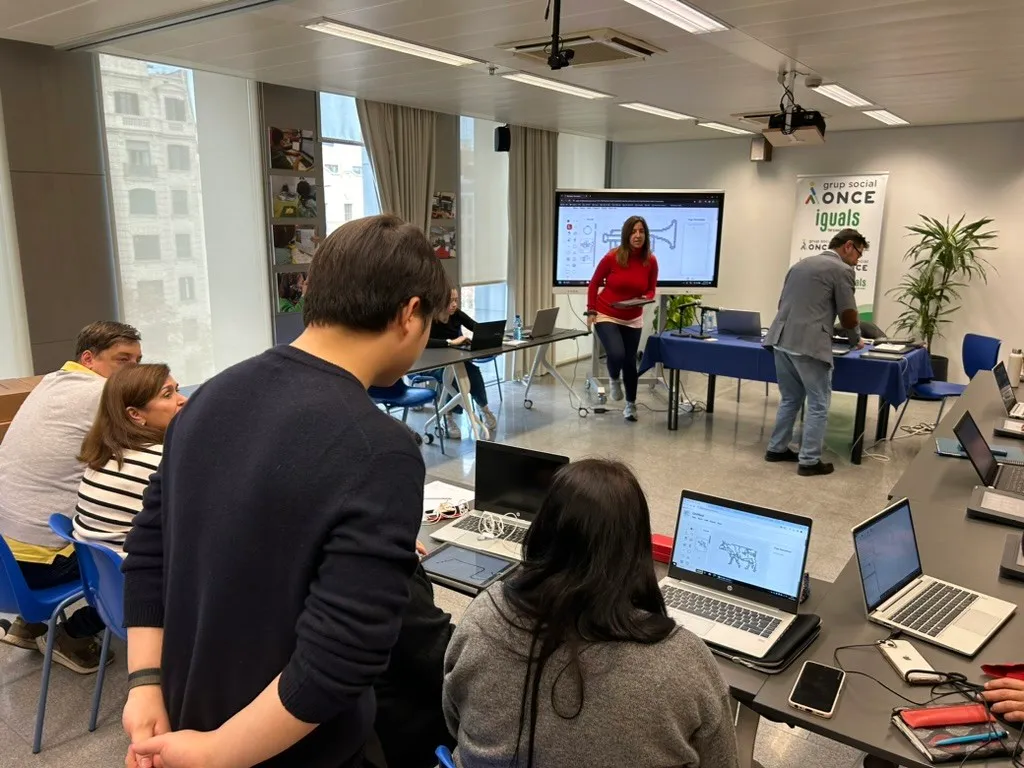
I designed the Dot Canvas Web and App screens in Figma from what the research showed, and made the GUI with the GUI designer. Teachers and visually impaired students use the same screens, so the structure and the placement of functions had to work for both.
I wrote the screen specs and functional specifications and tracked issues in JIRA. Technical changes were worked out with the development team as we scheduled improvements and the release.
IMPACT
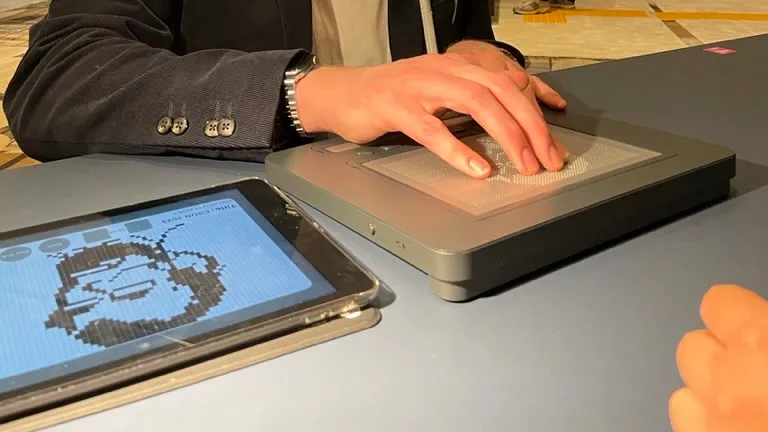
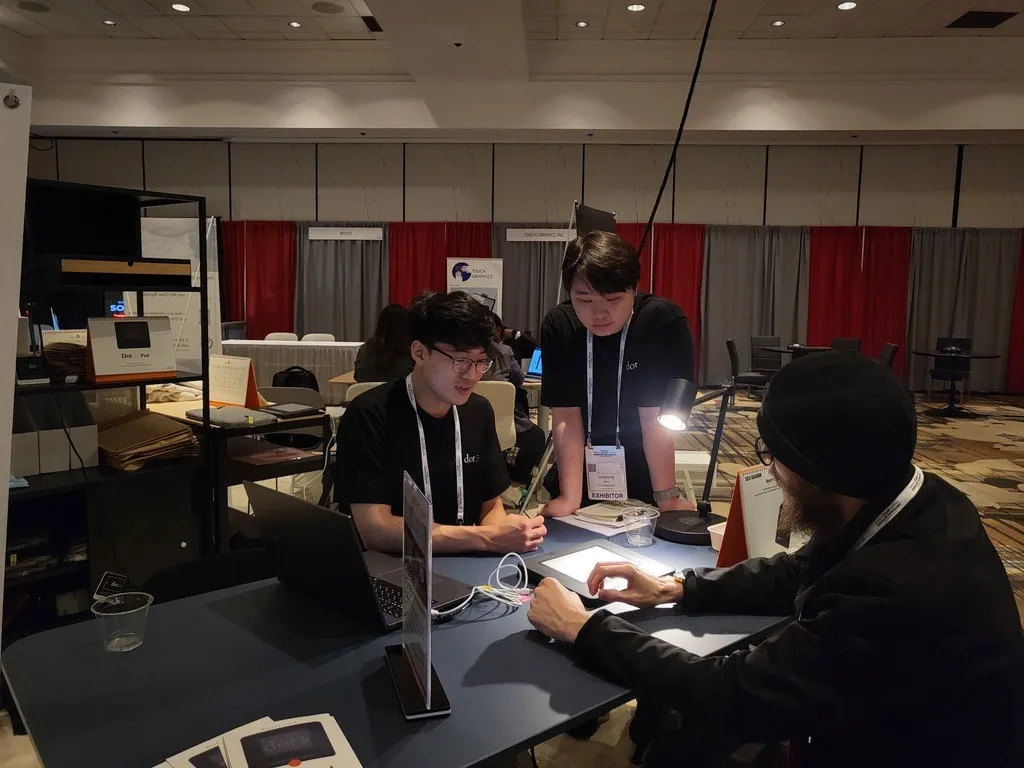
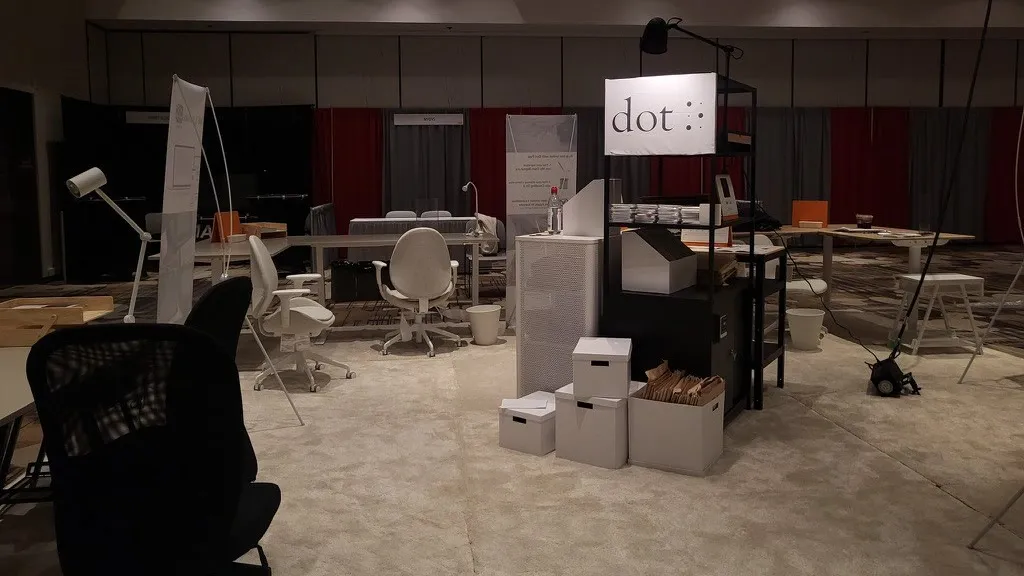
Dot Canvas was demoed at the CSUN 2023 booth, and after winning the CES 2024 Innovation Award it was shown at CSUN 2024 as well. Dot Pad’s tactile interface went into the production model. In a science class I observed at a school for the blind in 2024, the picture materials once made from tape and stickers had been replaced by Dot Pad.
REFLECTION
Dot Canvas had to ship web and app demos in a short window. The team had little relevant experience, and we had three months to produce something usable. We filled whiteboards and prototyped quickly, and alongside UX design I handled the work with developers and the schedule.
We paid for the hurry later. We made the three-month goal, but the design had not planned for growth, so maintenance meant a lot of rework and some parts stayed rough. Hearing feedback directly in user studies, I felt how much the balance between speed and quality matters in UX design.
I learned the most from the users. Meeting visually impaired users up close, I saw that accessibility cannot be added once the product is done. It has to be there from the first design.